 RepDawn
1
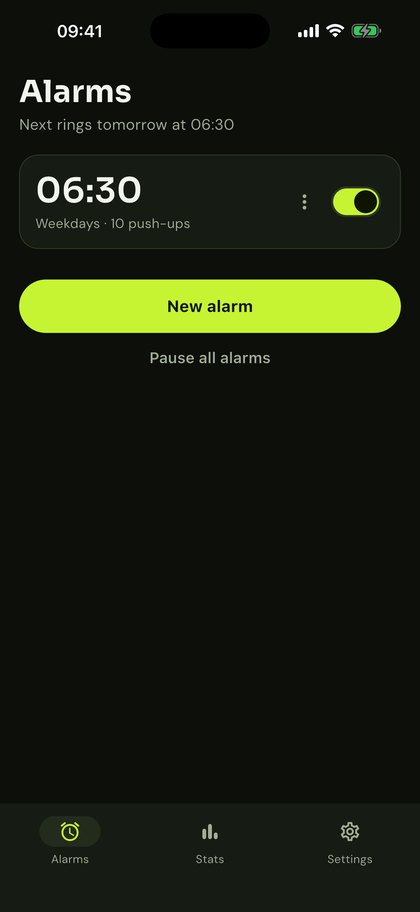
Set your alarm
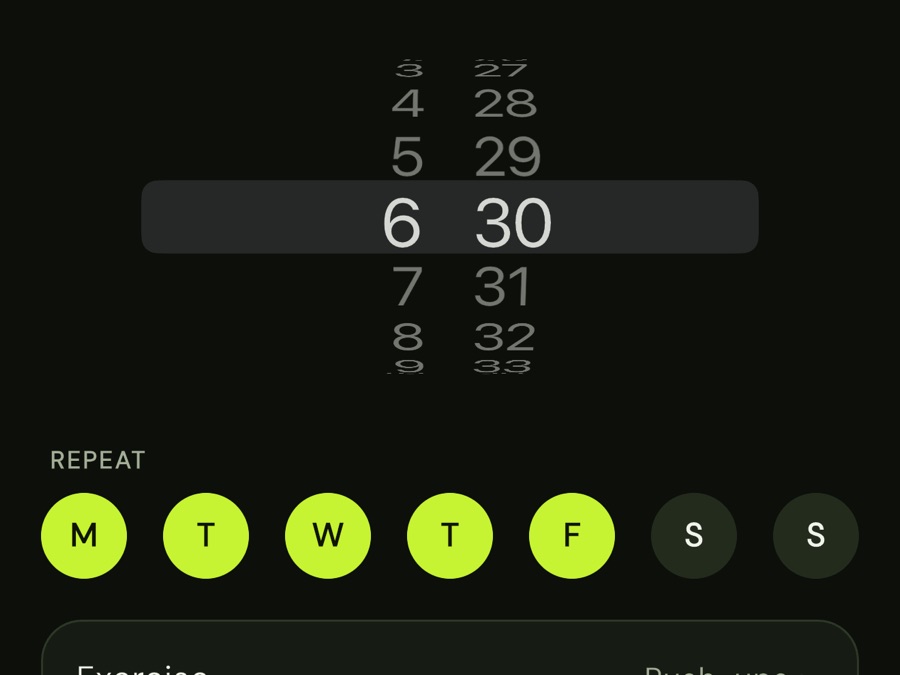
Choose the time, the days and how many reps it takes to switch it off.
RepDawn keeps ringing until your phone's camera counts your push-ups. By the last rep you're awake, out of bed and already winning the morning.
Less than a minute every morning, and you can't cheat your way out of it.
Choose the time, the days and how many reps it takes to switch it off.
 Alarm ringing
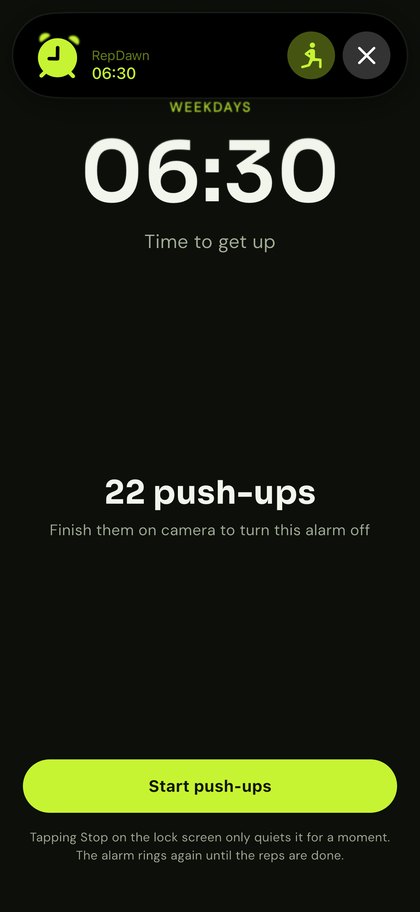
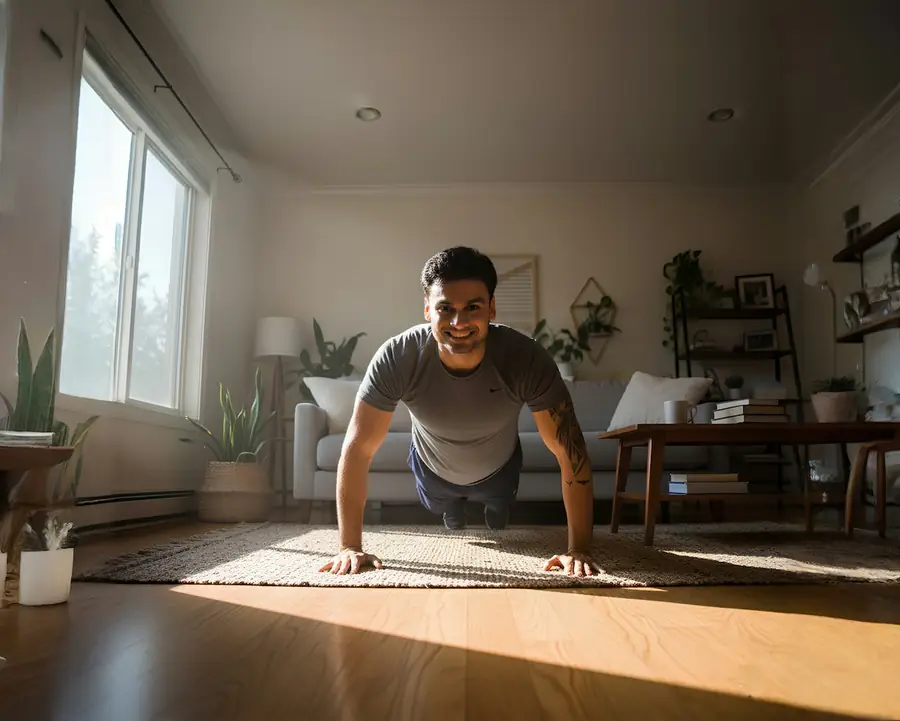
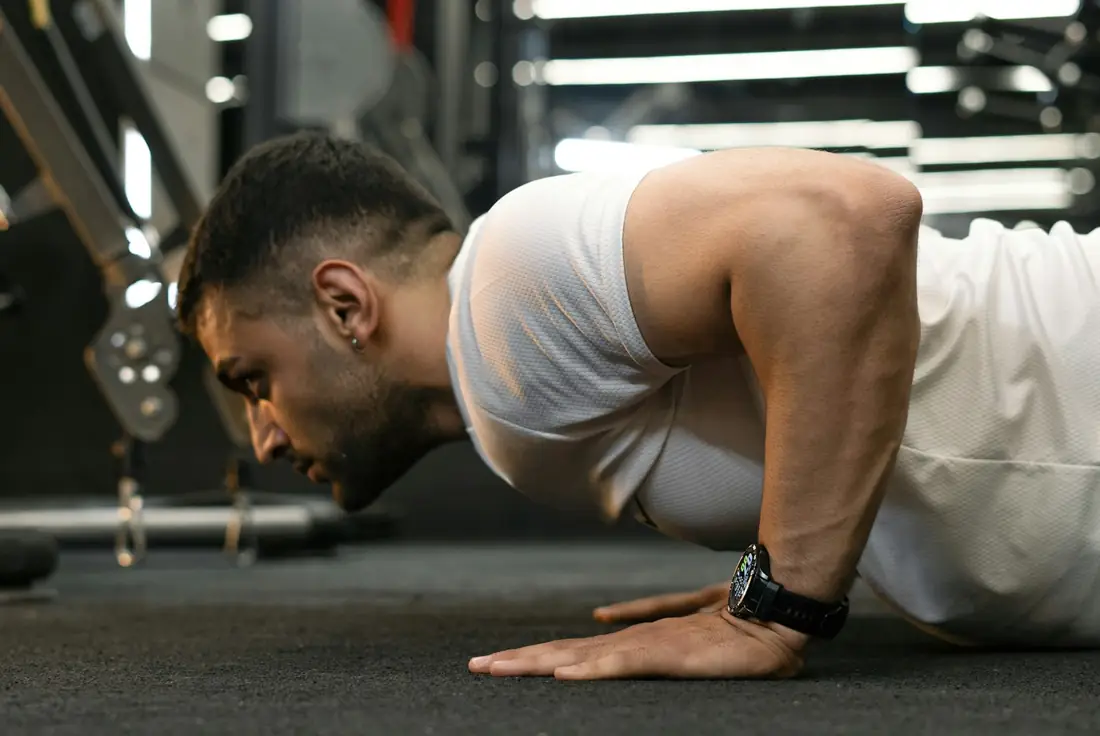
When it rings, tap "Do push-ups" and put your phone on the floor, side-on to you.
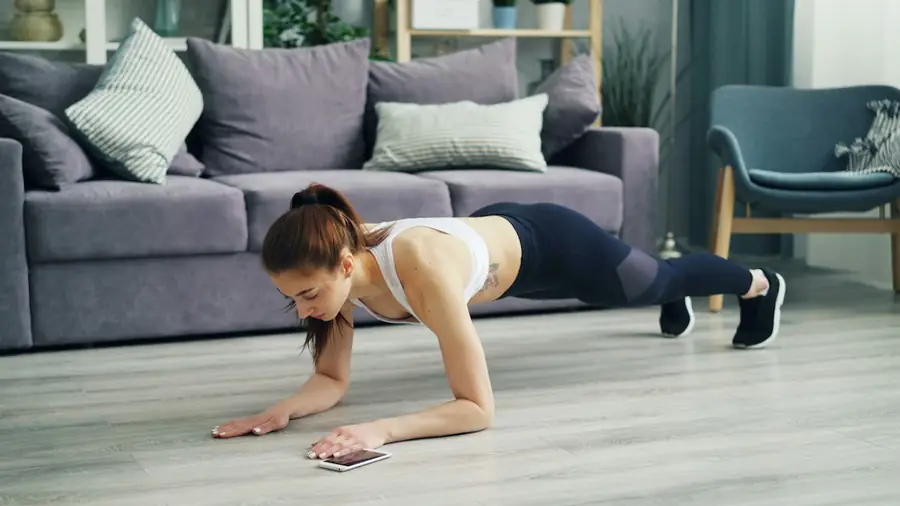 Rep 10 of 10
The camera counts every rep. Hit your number and the alarm stops for good.
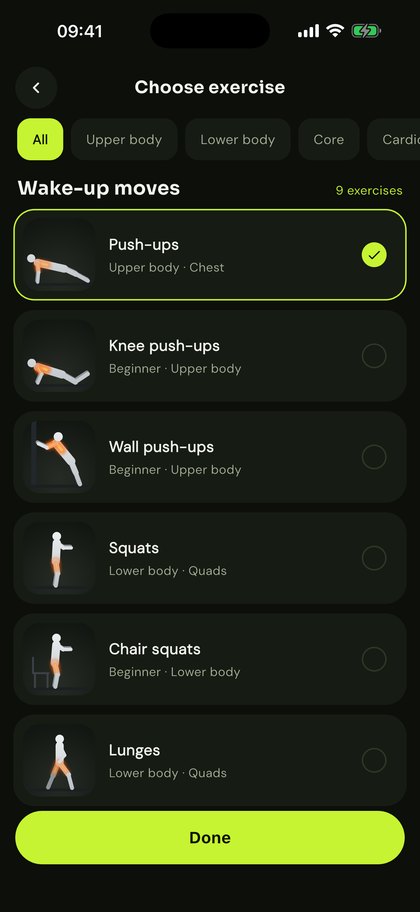
The glow shows which muscles each one works. Every move is counted by your camera, from easy wall push-ups to fast high knees.
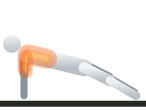
Chest · Shoulders · Triceps
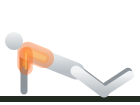
Chest · Shoulders · Triceps
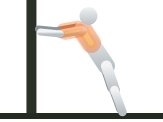
Chest · Shoulders
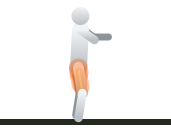
Quads · Glutes
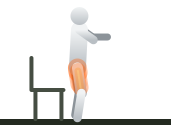
Quads · Glutes
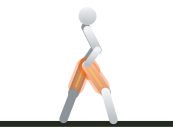
Quads · Glutes · Balance
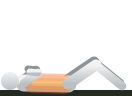
Abs · Core
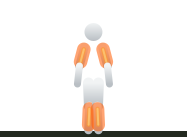
Shoulders · Calves · Heart
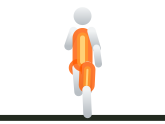
Hip flexors · Core · Heart
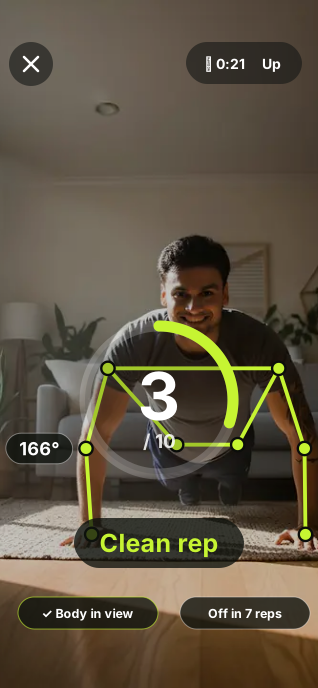
RepDawn finds your shoulders, elbows, hips and knees 30 times a second and draws them over the picture.
Elbows for push-ups, knees for squats, hips for sit-ups. A rep only counts when you go low enough and come back up.
Every good rep fills the ring and flashes a Clean rep. Half reps don't count, and the screen tells you why.
iPhone's own alarm system: on time even when RepDawn is closed, on silent or in a Focus.
Stop it without exercising and it rings again a minute later, until the reps are done.
Live rep counting with form tips, or chain them into a morning routine.
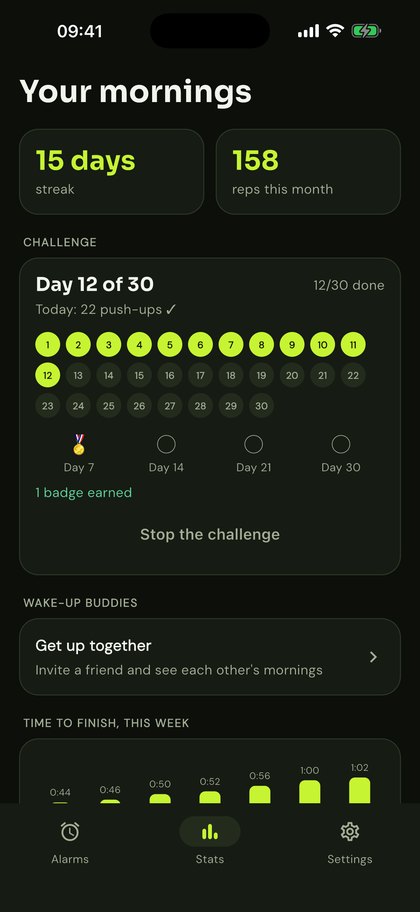
Watch your streak grow, your monthly reps add up and your wake-up time drop.
All included in RepDawn Pro. Each card shows where to find it in the app.
Start at 5 push-ups and finish at 50. Each morning your alarm asks for that day's number, and you collect badges on days 7, 14, 21 and 30.
Stats › Start the challengeSend a friend your invite code. Once they add it, you both see who is up today, at what time, how many reps and each other's streak. Only the name you choose and your morning results are shared.
Stats › Wake-up buddies › Invite a buddyTurn it on once. Each morning workout is then added to Apple Health as strength training, with its start time and length, so it counts towards your Activity rings. RepDawn reads nothing from Health.
Settings › Save to Apple HealthWhen the alarm is off you get a ready-made story card: what time you got out of bed, your reps, how long it took and your streak. Post it to Instagram or TikTok in two taps.
After the alarm › ShareCounts every rep out loud and tells you when you're nearly there, so you can keep your eyes off the screen.
Settings › Voice coachChain exercises together, for example 10 push-ups, 15 squats and 20 jumping jacks. The alarm stops after the last one.
New alarm › RoutineYour next alarm, your streak and today's challenge day on your Home Screen and Lock Screen.
Home Screen › Edit › Add widget › RepDawnDay off? Skip just the next alarm and it rings as usual after that. Going on holiday? Pause all alarms with one tap.
Alarm › ⋮ › Skip next alarmEnglish, Spanish, German, French, Italian, Portuguese, Japanese and Korean. RepDawn follows your iPhone's language, or you can choose one.
Settings › Language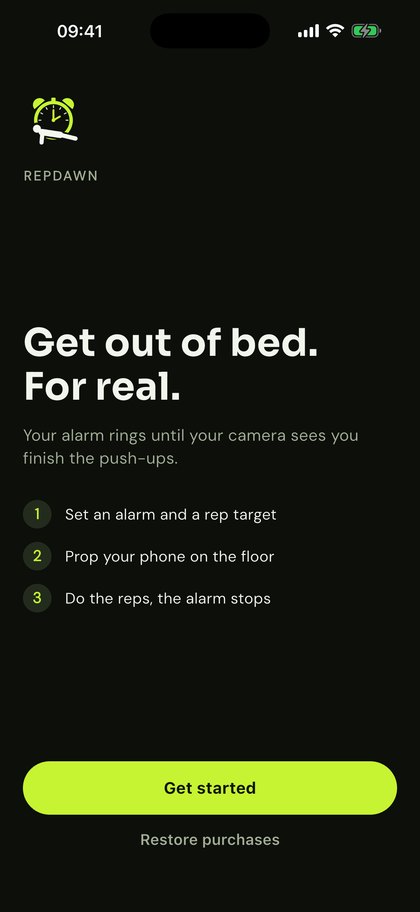
Video is analysed on your iPhone and never recorded, saved or uploaded. Only the result ("10 push-ups in 48 seconds") is kept. No ads, no tracking. Privacy policy
Start with 7 days free. Cancel at least 24 hours before the trial ends and you pay nothing.
$29.99 / year
Just $2.50 a month
$4.99 / month
Cancel any time
Prices in US dollars; the App Store shows your local price. Renews automatically until turned off.
Yes. On iOS 26 and later RepDawn uses iPhone's own alarm system, so it rings on time with the app closed, on silent and in a Focus.
No. Each frame is analysed on your phone to find your body's position and then thrown away. Nothing is recorded, stored or uploaded.
Use Emergency skip on the workout screen. The alarm stops and the skip is noted in your history. You can turn it off in Settings if you want no way out.
In RepDawn: Settings › Subscription › Manage, or in your iPhone's Settings › your name › Subscriptions.
In Stats › Wake-up buddies, tap Invite a buddy and send the code to a friend. When they enter it, you appear in each other's list and see who is up today, at what time, with how many reps, and each other's streak. Only the name you choose and your morning results are shared, never video. You can remove a buddy at any time.
When it's on (Settings › Save to Apple Health), each finished morning workout is saved to the Health app as strength training, with its start time and length, so it counts towards your Activity rings. RepDawn only writes workouts and never reads your health data.
If you get a new iPhone or reinstall RepDawn, tap Restore purchases (on the plans screen or in Settings › Subscription). RepDawn asks the App Store for the subscription on your Apple ID and turns Pro back on. You are not charged again.
RepDawn is coming soon to the App Store. Free for 7 days.